

Quick Start
Create your first project, navigate the dashboard, add backend capabilities, and publish your app step by step.
Welcome to this guide on how to create a full-stack application using Imagine.bo.
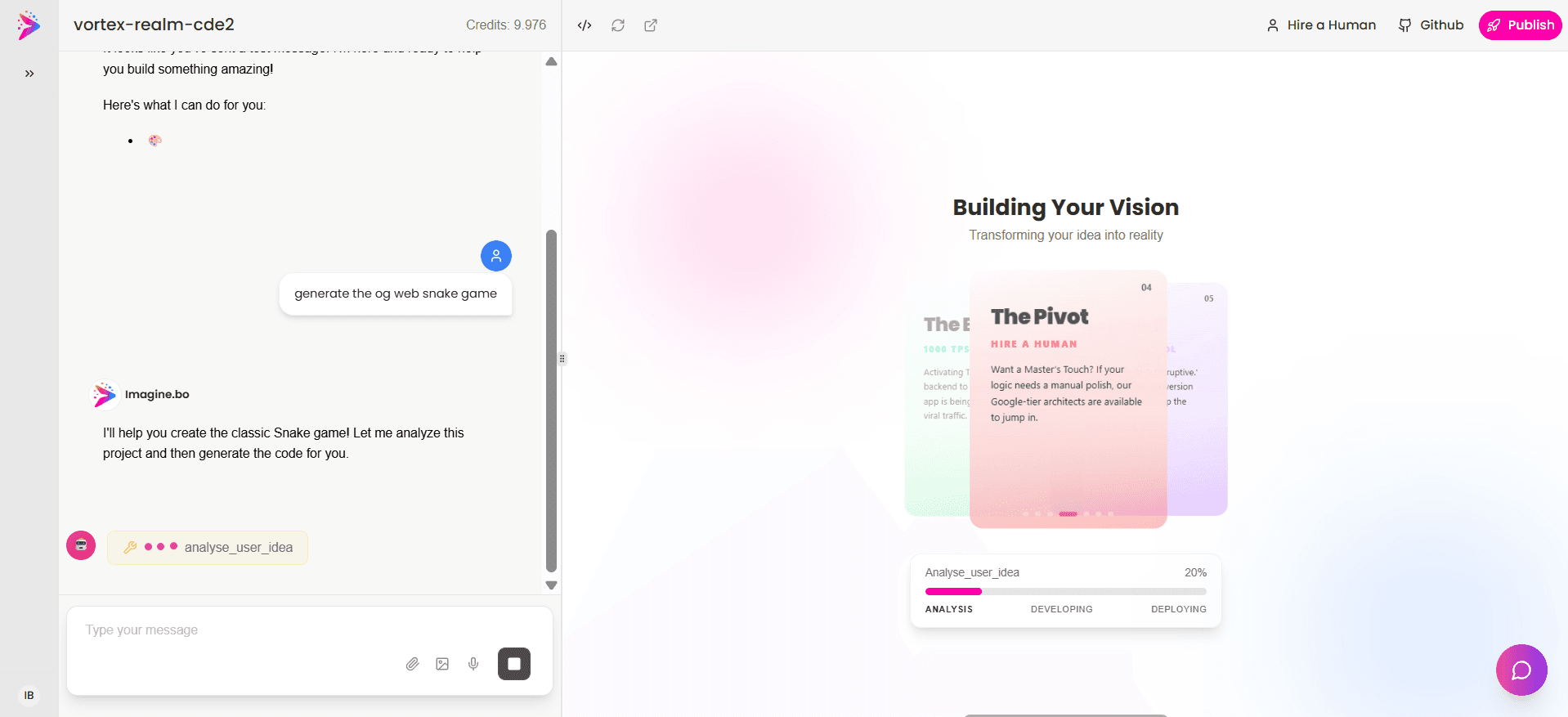
This section provides a high-level overview of the Imagine.bo platform and its core workflows.
The Imagine.bo Platform Overview
Create your first project
Enter your app idea in plain English
Our AI generates the app structure, database, and workflows automatically.
Imagine.bo dashboard and workflow overview
- Describe Your Idea Start by typing what you want to build in plain English.
- Visual Customization Use drag-and-drop tools to adjust layouts and styles instantly.
- Assign a Developer Bring in a vetted human expert for complex logic or custom integrations.
- Collaborate Work with your team or AI assistant to iterate on features in real-time.
- Deploy and Share Launch your app to production with a single click and share it globally.
This section explains how to initiate your project and write effective prompts for the AI.
Start Your Project
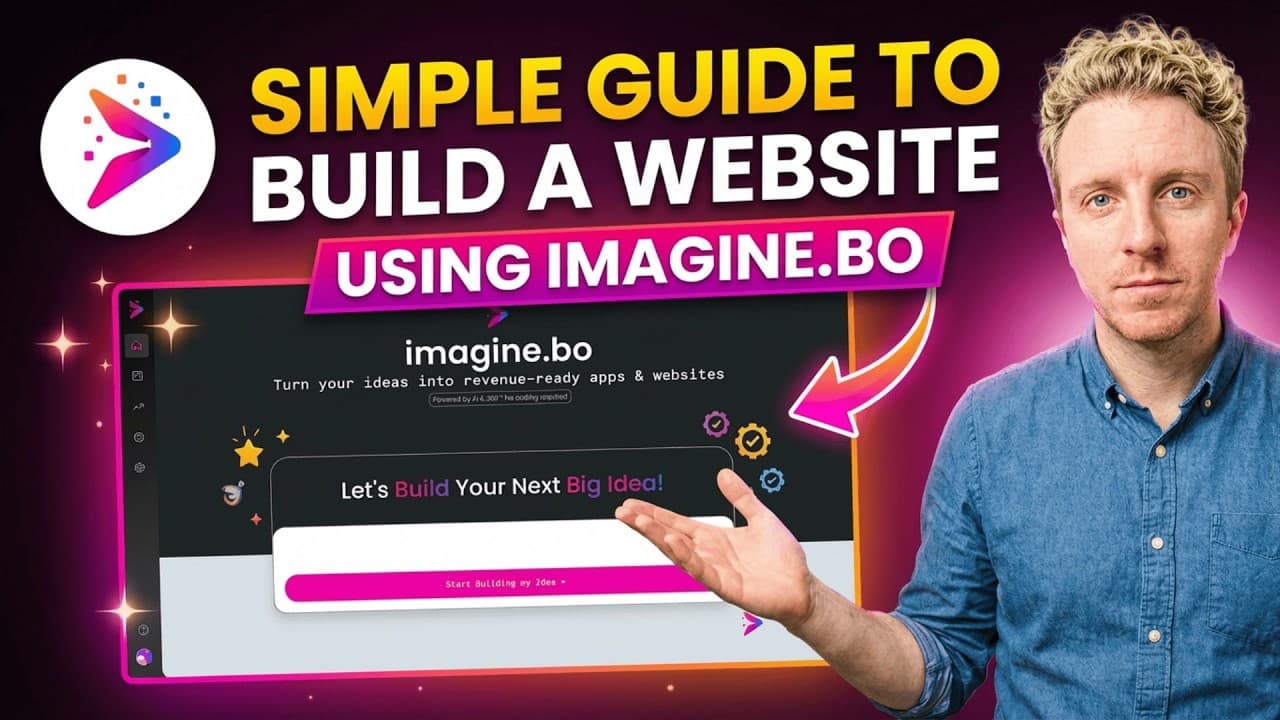
Prompt
- Be specific about the core functionality of your application.
- Mention the target audience or user roles (e.g., admin, customer).
- List key features you want included in the initial generation.
- Specify any design preferences or themes if applicable.
"Build a customer support ticketing app for small businesses. Users can submit tickets with priority, upload attachments, and receive email notifications."
Start with MVP Scope
- Focus on the core value proposition first to get a working prototype quickly.
- You can always add complex features and integrations later through iterative refinement.
This section covers how to modify and refine your generated application using visual tools and AI conversation.
Edit Your Project
Use Visual Edits (Drag and Drop)
- Select any component on the screen to modify its properties.
- Adjust colors, typography, and spacing visually without writing CSS.
- Rearrange elements using intuitive drag-and-drop controls.
- Preview changes instantly across different device breakpoints.
Iterative Refinement via Conversation
"Add a dark mode toggle to the header and make the sidebar collapsible."
const [isDark, setIsDark] = useState(false);
const [isOpen, setIsOpen] = useState(true);
// ...
Assign a Developer (Human in the Loop)
- Escalate complex tasks directly from your project dashboard.
- Our vetted engineers receive full context of your codebase instantly.
- Review and approve human-written code before it merges into your project.
Tip: This is perfect for complex logic, performance tuning, or specific security protocols.
This section details how to integrate backend services, custom APIs, and analytics into your application.
Add Fullstack Capabilities
- Automatically provision a database schema based on your app's requirements.
- Generate secure API endpoints for CRUD operations.
- Set up authentication and user management instantly.
This section guides you through the final steps of deploying your application to the cloud and making it live.
Deploy and Publish
One-Click Deployment to Cloud
- Automatic infrastructure provisioning
- Global CDN distribution
- Serverless backend scaling
- Managed database hosting
Set up SEO
- Configure meta tags, sitemaps, and robots.txt automatically.
Publish my projectYou're live!
- Push your code to production and share your custom domain.
This section answers common questions about getting started with Imagine.bo.
FAQ
You can create your first project by entering your app idea in plain English. Our AI will automatically generate the app structure, database, and workflows.
You can edit your app using visual drag-and-drop tools or through iterative refinement via conversation with the AI.
The Assign a Developer feature allows you to bring a human expert into your project to handle complex logic, performance tuning, or specific security protocols.
Imagine.bo generates the integration boilerplate for third-party services like Stripe for payments or Twilio for SMS, allowing you to easily connect them to your backend.
You can deploy your app using our One-Click Deployment to Cloud, which handles infrastructure provisioning, CDN distribution, and database hosting automatically.