

Prompting Best Practices
Plan before you prompt, start with an MVP Scope, define your users, and apply clear constraints to get consistent, production-ready apps.
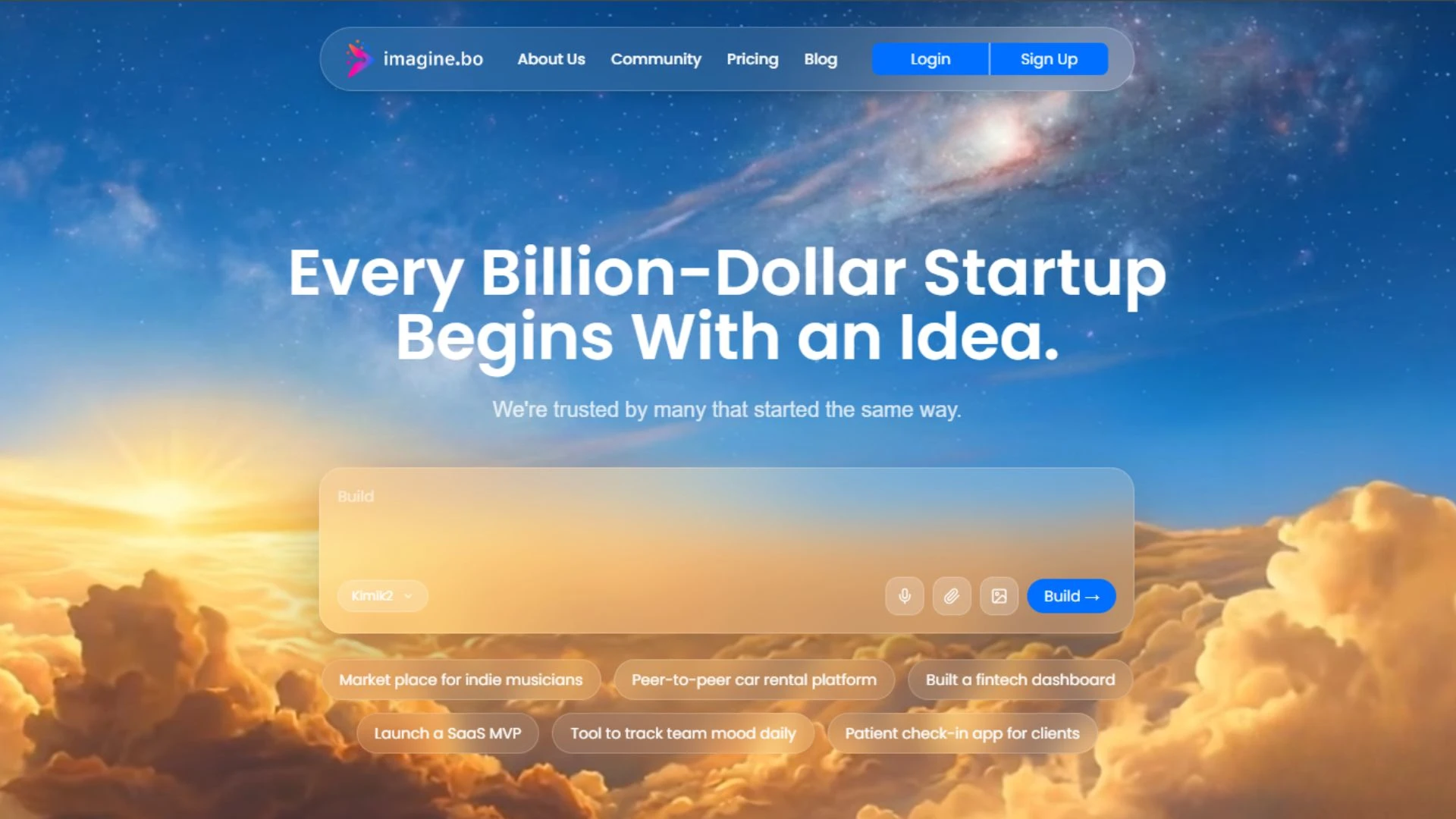
This playbook brings together the most effective techniques and principles for getting the best possible results with Imagine.bo. Whether you are new to natural language prompting or ready to refine your skills, you will find actionable advice to help you turn ideas into real software quickly.
Make Imagine.bo Understand Your Intent
Building with Imagine.bo is an iterative process. You don't need to get everything perfect in the first prompt. Start with a solid foundation and use follow-up prompts to refine the application through conversation.
If your generated app is missing a key feature, or if you want to change the layout, simply tell the AI exactly what you need. For example: Move the analytics chart to the top and make it full-width.
Lay the Foundation
1. Write Clear, Intentional Prompts
A great prompt clearly defines who is using the app, what problem it solves, and how it should behave.
Actor or Persona
Define who will be using the application.
Problem to Solve
State the main objective of the software.
Key Features
List the essential functionality required.
Edge Behaviors
Specify rules, constraints, or special cases.
Build a customer support ticketing app for small businesses. Users can submit tickets with priority, upload attachments, and receive email notifications. Admins can assign tickets to agents and manage ticket status.
2. Start with MVP Scope
"Over my 12+ years in the software and design industry, I've learned that starting small is the key to shipping fast. Define your MVP Scope strictly before adding bells and whistles.
- Focus on the core value proposition first.
- Avoid asking for complex integrations in the initial prompt.
3. Plan Data and User Access Early
Clearly define who can see and modify data. This helps Imagine.bo set up the correct database schema and security rules from the start.
Admins approve requests. Only logged-in users can create posts.
Think in Systems
4. Use Prompt Patterns for Layouts
Using established prompt templates helps structure your requests consistently.
Build a SaaS app for [user type] to [main action/problem] with features: [feature list], including [edge case or rule].
5. Add Rules and Conditions
Explicitly state the business logic and conditions that govern your application.
Tasks overdue should notify assigned users.
6. Avoid Common Anti-Patterns
Vague prompts lead to generic results. Be specific about the features you need rather than referencing existing products.
Don't
Build something like Slack
Do
Build team chat with channels, DMs, file sharing, and notifications.
Build with Precision
7. Refine the UI with Follow-Up Prompts
Once the initial app is generated, use targeted prompts to adjust the layout and styling.
Move the analytics chart to the top and make it full width
Add a pricing section below the hero.
8. Test Workflows Early and Often
- Test with multiple user roles
- Check edge cases like invalid input
- Confirm permissions are enforced correctly
Iterate and Ship
9. Use the Hire a Human Feature for Advanced Tasks
When you hit the limits of AI generation, seamlessly transition to human engineers.
Use Hire a Human for complex functionality, custom integrations, or technical adjustments beyond AI generation.
Tip: When submitting a request, clearly describe the goal, expected outcome, and any relevant examples.
10. One-Click Deployment and Scaling
Take your application from prototype to production with ease.
- Deploy to Railways or Vercel
- Imagine.bo handles provisioning and hosting
- Set staging before production
- Use built-in analytics to track key user actions
FAQ
The four core elements are: Actor or Persona, Problem to Solve, Key Features, and Edge Behaviors.
MVP Scope means focusing on the core functionality first. Starting with an MVP scope helps you build a solid foundation before adding complex features.
You can refine your app by providing follow-up prompts to the AI, specifying exactly what you want to change or add.
Use the Hire a Human feature for complex functionality, custom integrations, or technical adjustments that go beyond AI generation capabilities.
Imagine.bo offers One-Click Deployment to platforms like Railways or Vercel, handling provisioning and hosting for you.